Easily configure Quarterzip workflows
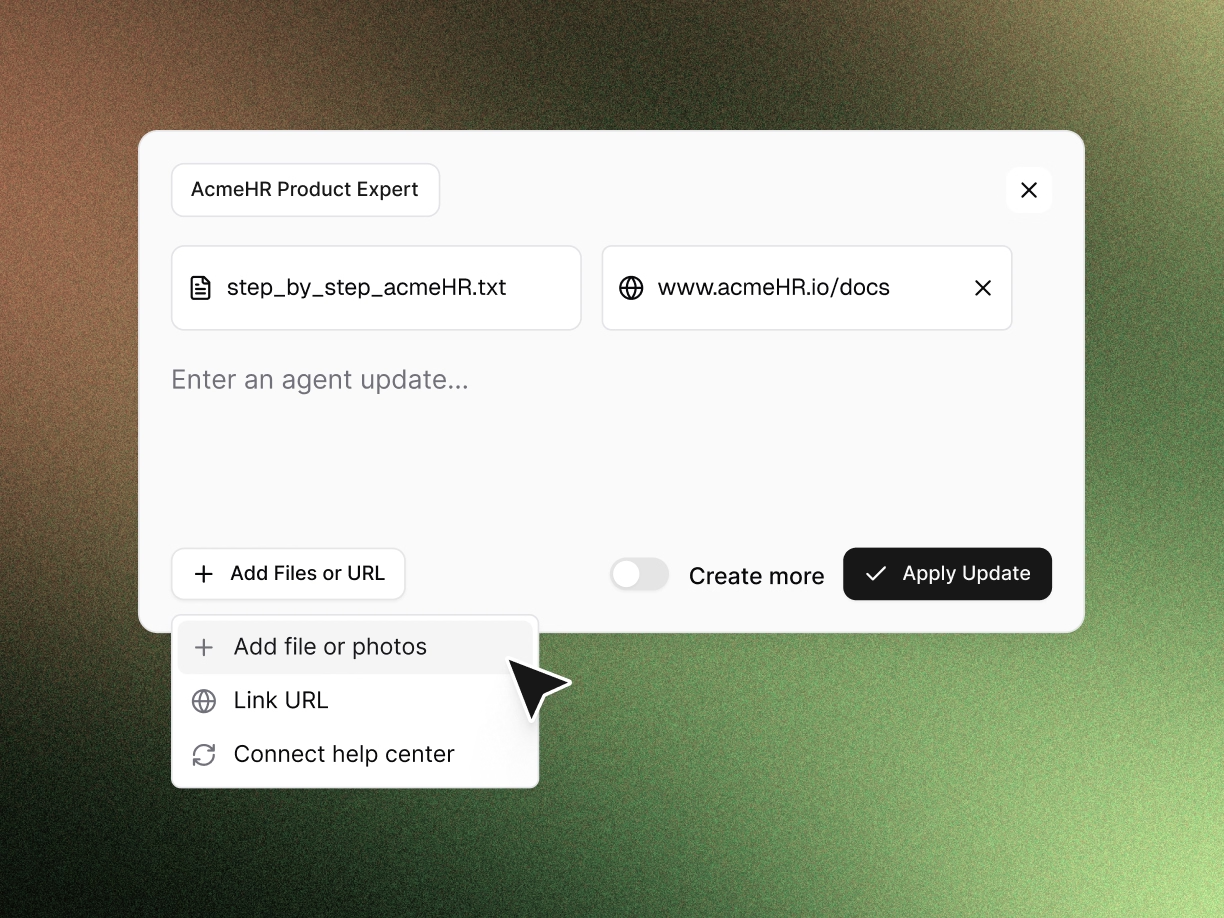
Share knowledge
Share your help center, product docs, and internal playbooks. Quarterzip learns how tasks actually get completed in your product from every call, staying up to date with every change made.
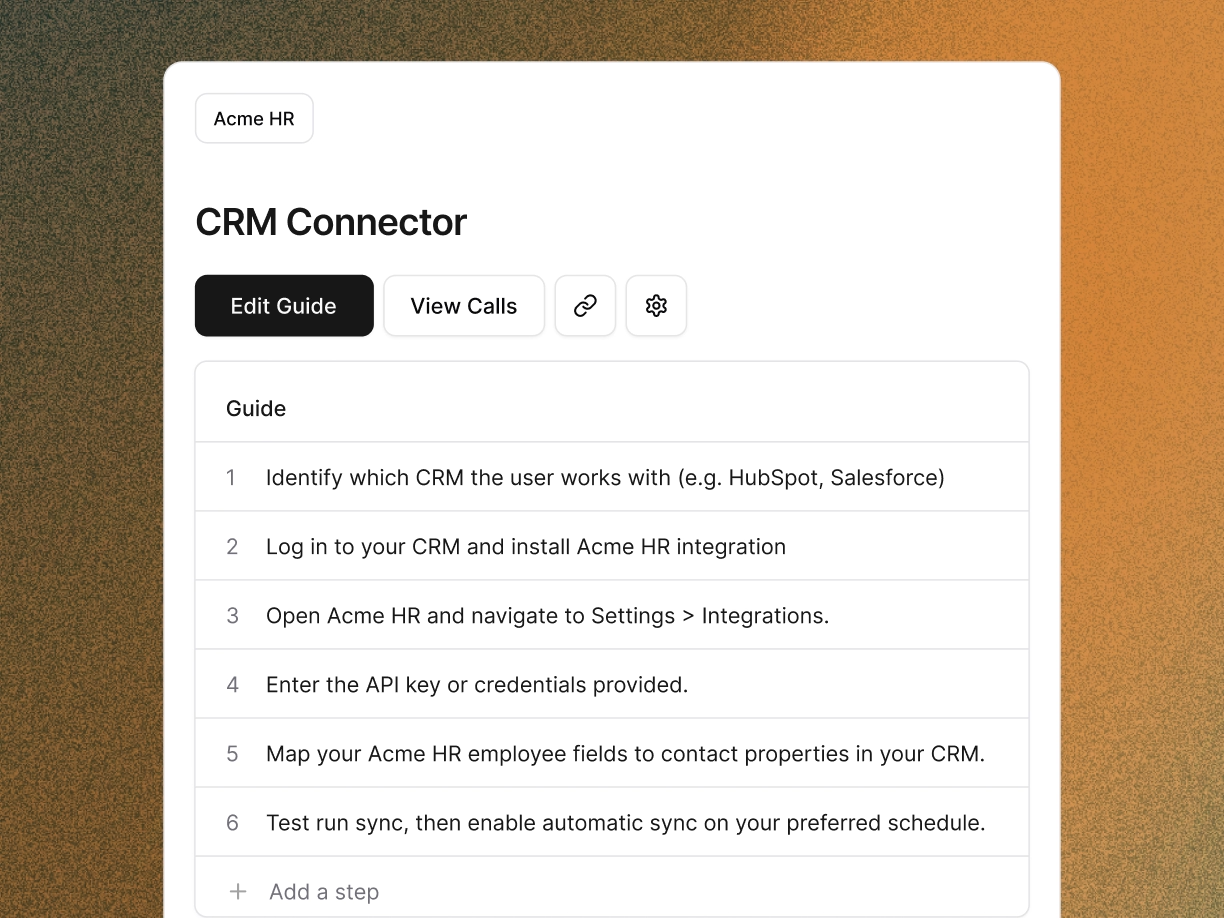
Setup guidance in your product
Decide where Quarterzip shows up for your users. Use it to guide implementation, walk people through new releases, or prevent churn. Choose the surface area, and Quarterzip takes it from there.
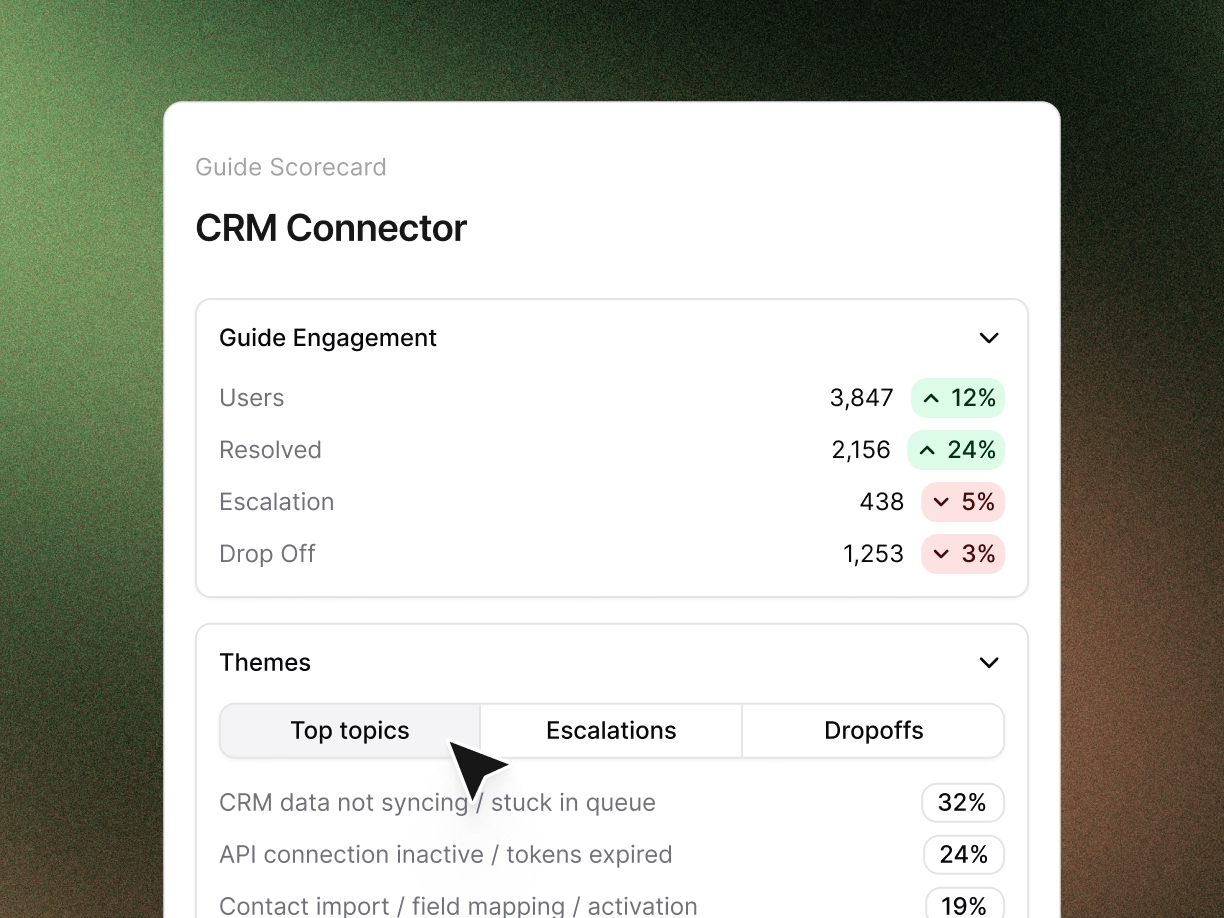
Monitor performance
Each workflow gets its own scoreboard: how many customers it's helped, its success rate, and where Quarterzip is flagging friction.
Loved by world leading companies




Shipping fast? Quarterzip continuously learns without needing reconfiguration
Adaptive learning:
It relearns your product over time. Small changes update automatically. Bigger ones, like a redesigned flow or renamed feature, come to you as a recommendation to accept or dismiss.
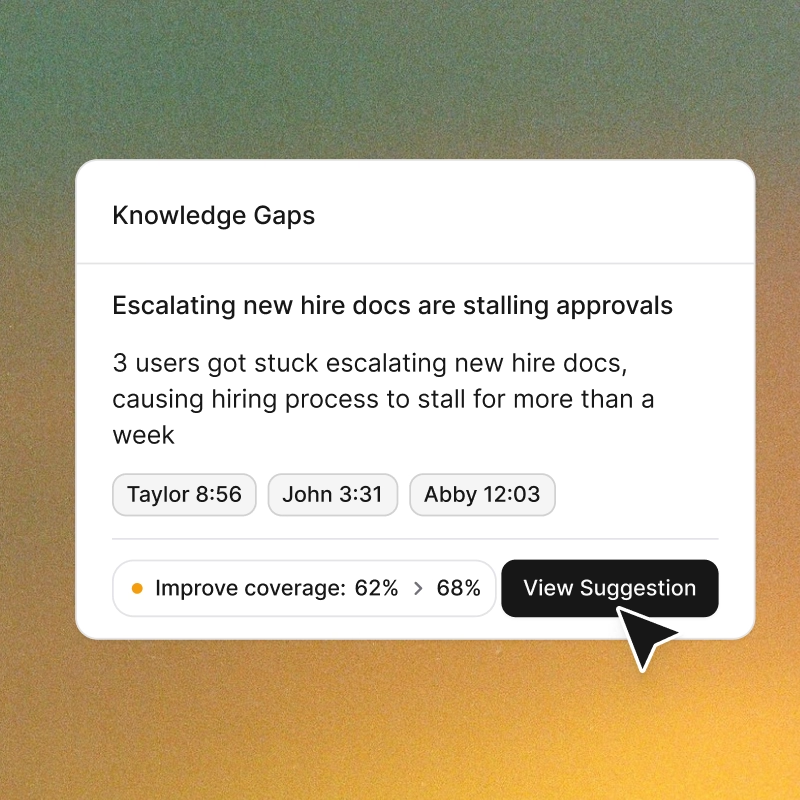
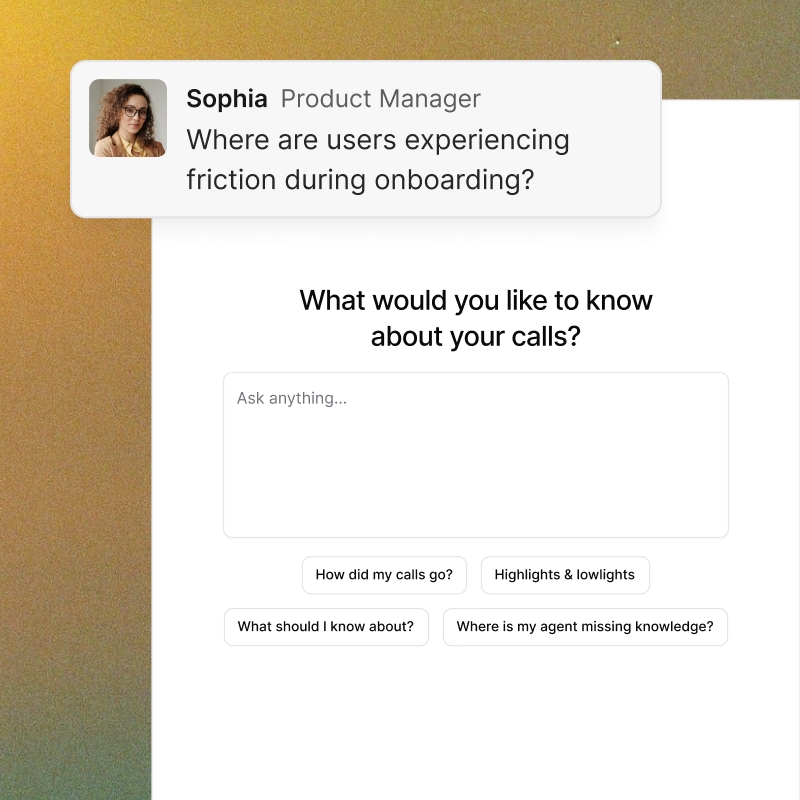
Ask Quarterzip
Turn all of your calls into a single source you can talk to. Ask what's working, what's not, and what you might be missing—then get back common patterns, knowledge gaps, and the moments that mattered most.
Fast set up
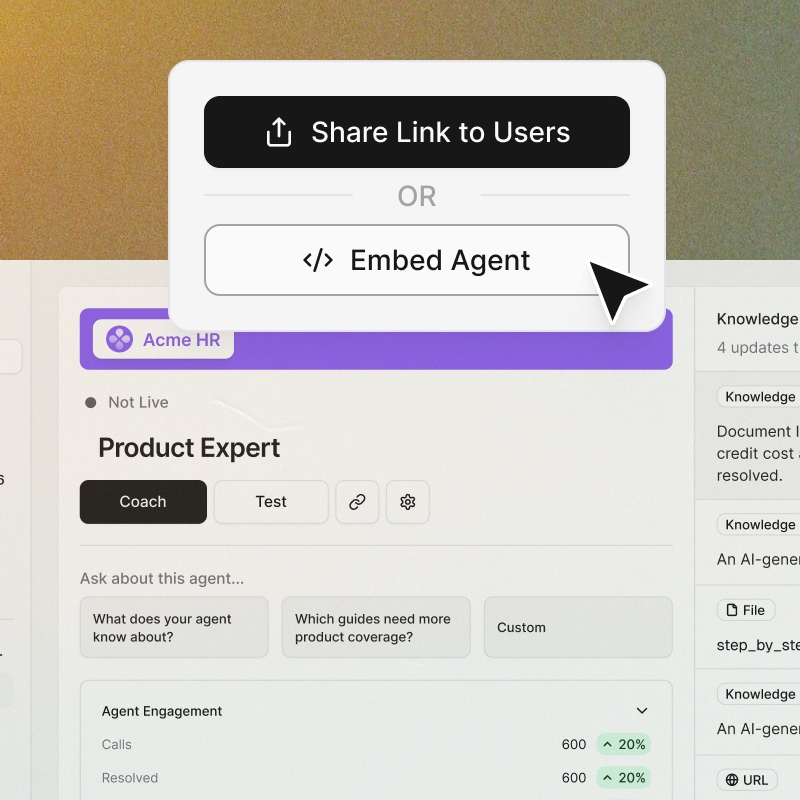
Teams can push their first workflow live within an hour. Quarterzip is fast and easy to set up.
FAQs
What is the Picture-in-Picture?
A floating, draggable modal that follows users through your product and beyond. Because it can see the screen, it guides users through third-party workflows too, explaining features and answering questions without breaking their flow.
Can users move or hide the Picture-in-Picture?
Yes. Users can reposition or minimize it at any time. Quarterzip keeps the experience helpful, not distracting.
Does the Picture-in-Picture take control of the user’s screen?
No. It never overrides input or moves the user’s cursor. It will provide users quick actions based on contextual cues or behaviour - surfacing relevant links or ready-to-copy text right when they need them. Users stay fully in control while getting exactly the help they need.
Can I customize how they look and behave?
Yes. You can control placement, styling, and tone of messages to match your product’s brand. Both features are fully configurable from your Quarterzip dashboard.
Does it support multiple voices?
Yes — choose voices and tones that match your brand.
Do your agents support other languages?
Yes - we support 32 languages. Reach out to our team if your language isn’t supported.
Does it integrate with my existing product?
Yes — Quarterzip works with any web-based app or onboarding environment.
Does Quarterzip require code or HTML tagging?
No — it works with any web app or product out of the box. We provide numerous methods of deployment include via link or via in app integration.